// Guide
Public Citizen ID
Opt in to a public verified profile at starbotid.space and control exactly what other sites can see.
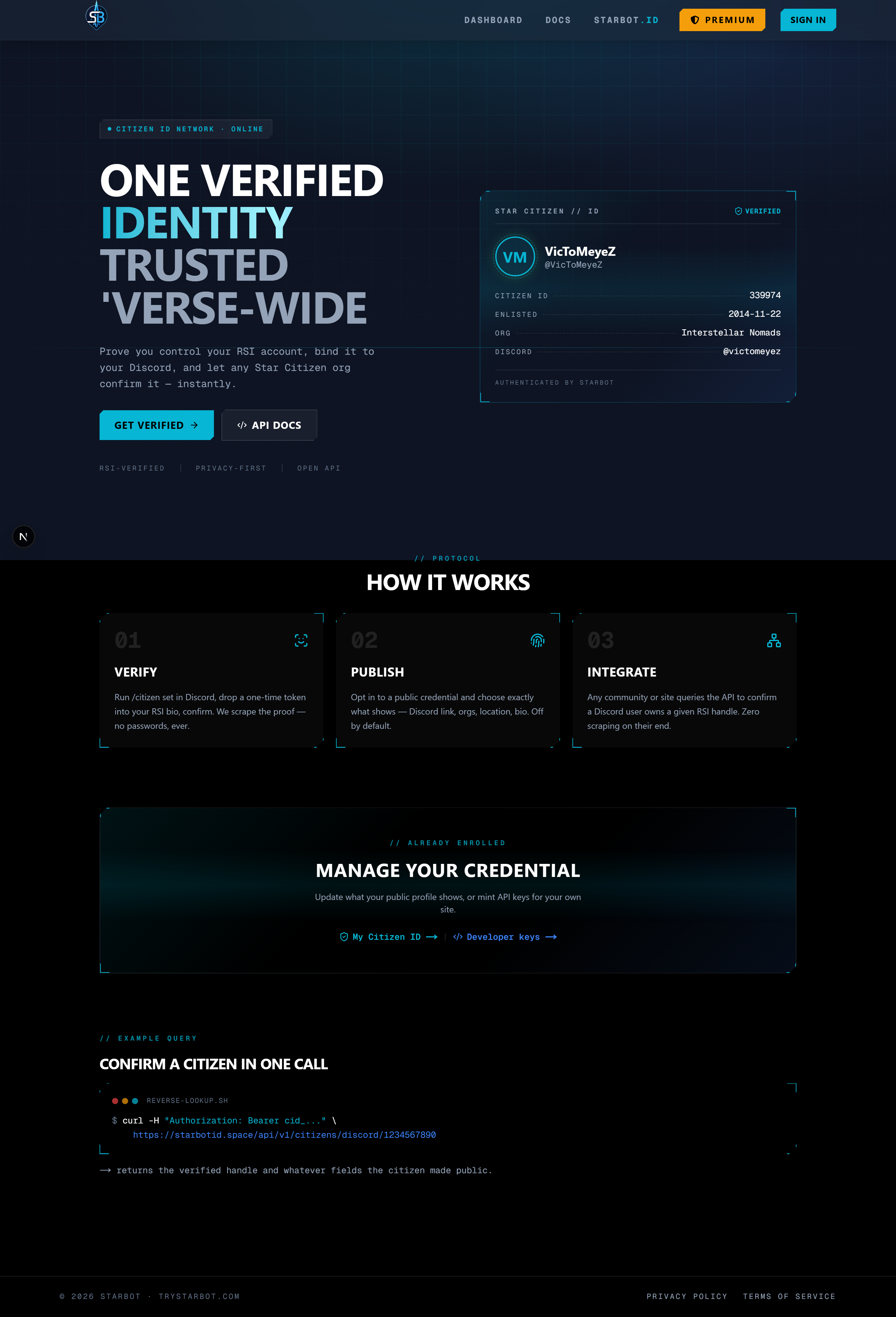
Citizen ID makes your verified Discord↔RSI link shareable. Once you're verified (see Citizen Verification), you can publish a public profile at https://starbotid.space/citizen/YourHandle that any community can trust — and other sites can query it programmatically through the developer API.
Going public
Publishing is controlled from the privacy card on your dashboard profile — nothing is public until you flip the switch.
- 1
Verify first. The Public Citizen ID card only appears on your profile once you're a verified citizen. If you haven't verified yet, follow the Citizen Verification guide — it takes about 30 seconds.
- 2
Toggle "Make my Citizen ID public". This is the master switch: on publishes your profile, off removes it and stops all API access to your data immediately.
- 3
Choose what to show with the per-field switches — each one controls both the profile page and the API.
The field toggles:
- Show Discord link — reveals your Discord account and allows reverse lookup by Discord ID. On by default (it's the point of the service).
- Show organizations — your RSI org affiliations.
- Show location — off by default.
- Show bio — off by default.
Your public profile
Once public, your profile lives at https://starbotid.space/citizen/YourHandle — a shareable page showing your handle, verified status, and whichever fields you enabled.
Screenshot pending
A public citizen profile on starbotid.space
/docs/citizen-profile.pngOnly verified citizens who have opted in resolve to a profile. Any other handle — unverified, private, or simply nonexistent — gets the same friendly not-found page, so third parties can't probe who uses StarBot.
Multiple Discord users can link the same RSI handle, but only the person who completes bio-token verification owns the public profile for it. That's why verification is the prerequisite — it's what makes the page trustworthy.
Turn off Make my Citizen ID public at any time to remove your profile and cut off API access on the spot.
What stays private
Nothing is public until you opt in. Hidden fields are omitted entirely from both the profile page and the API — there's no way for a third party to tell a hidden field apart from one you don't have. If you hide your Discord link, reverse lookup by Discord ID returns "not found" even though your profile by handle still works.
For developers
Other sites and bots can verify citizens programmatically — look up a profile by RSI handle or (if the user allows it) by Discord ID.
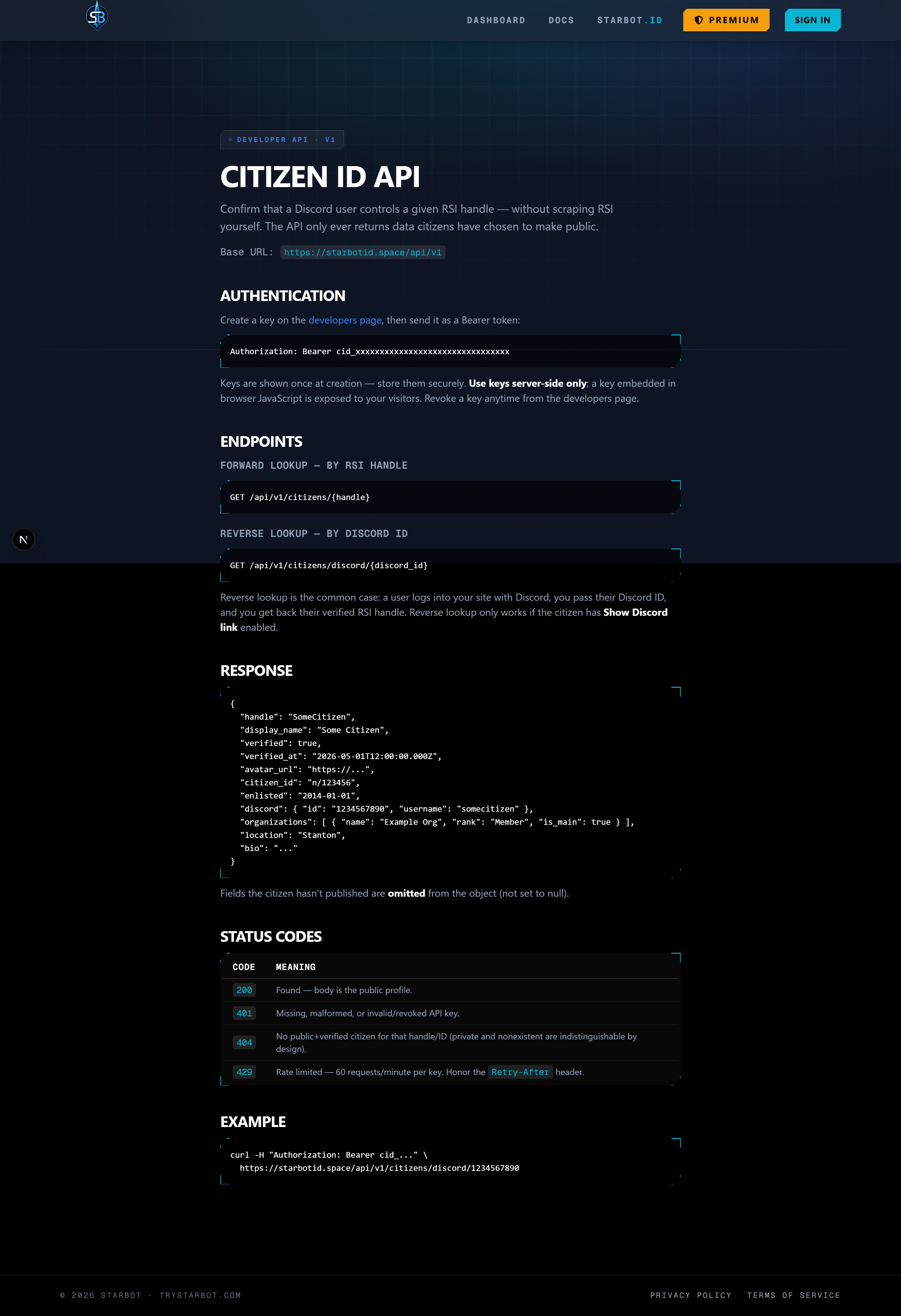
- Citizen ID API reference — endpoints and response shapes.
- Developer API guide — integration walkthrough and examples.
Related
- Citizen Verification — the bio-token flow that makes a profile publishable.
- Command reference —
/citizenand/profilecommands.